Noteo for iPhone & iPad
AI study notes.
Your own way.
Turn your materials into notes. Write by hand.
Study with flashcards and quizzes, all in one app.
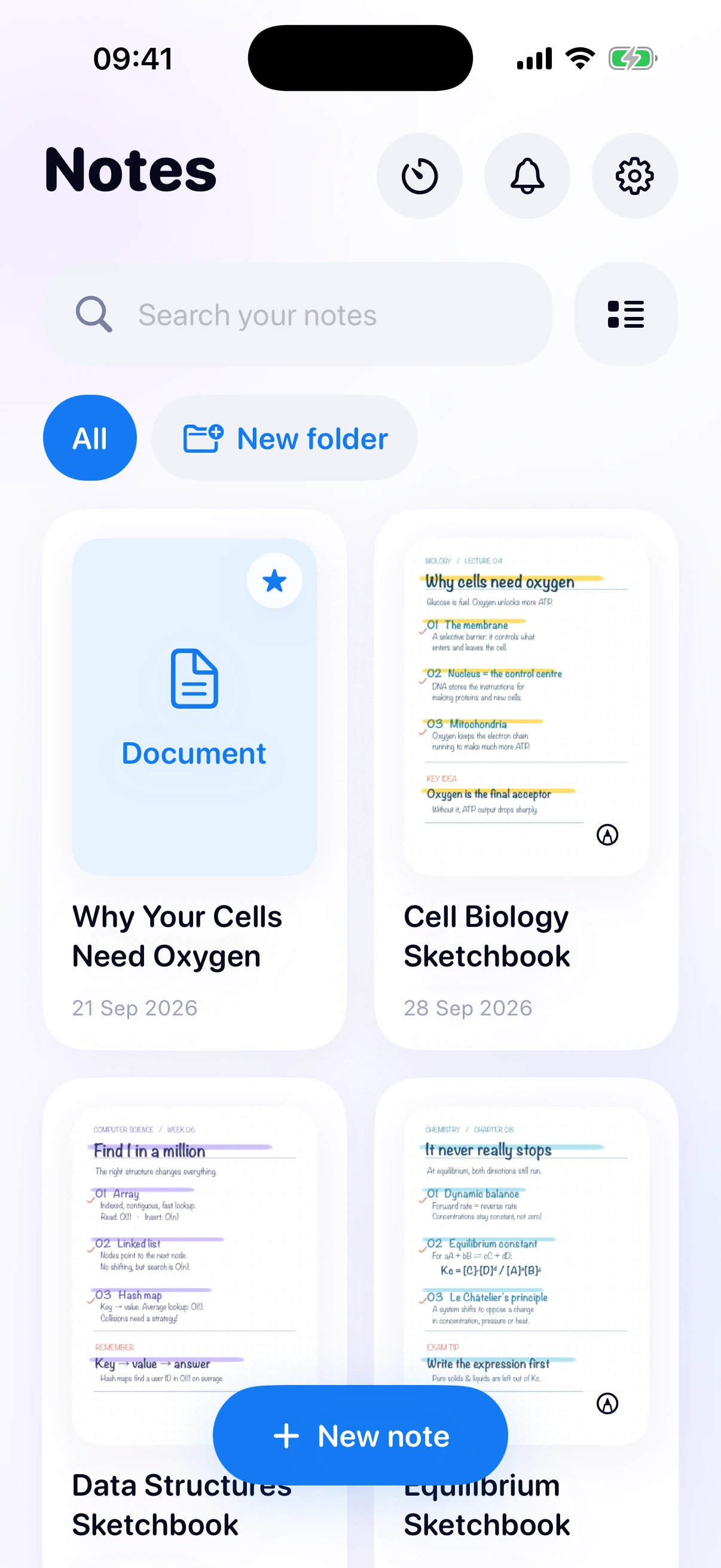
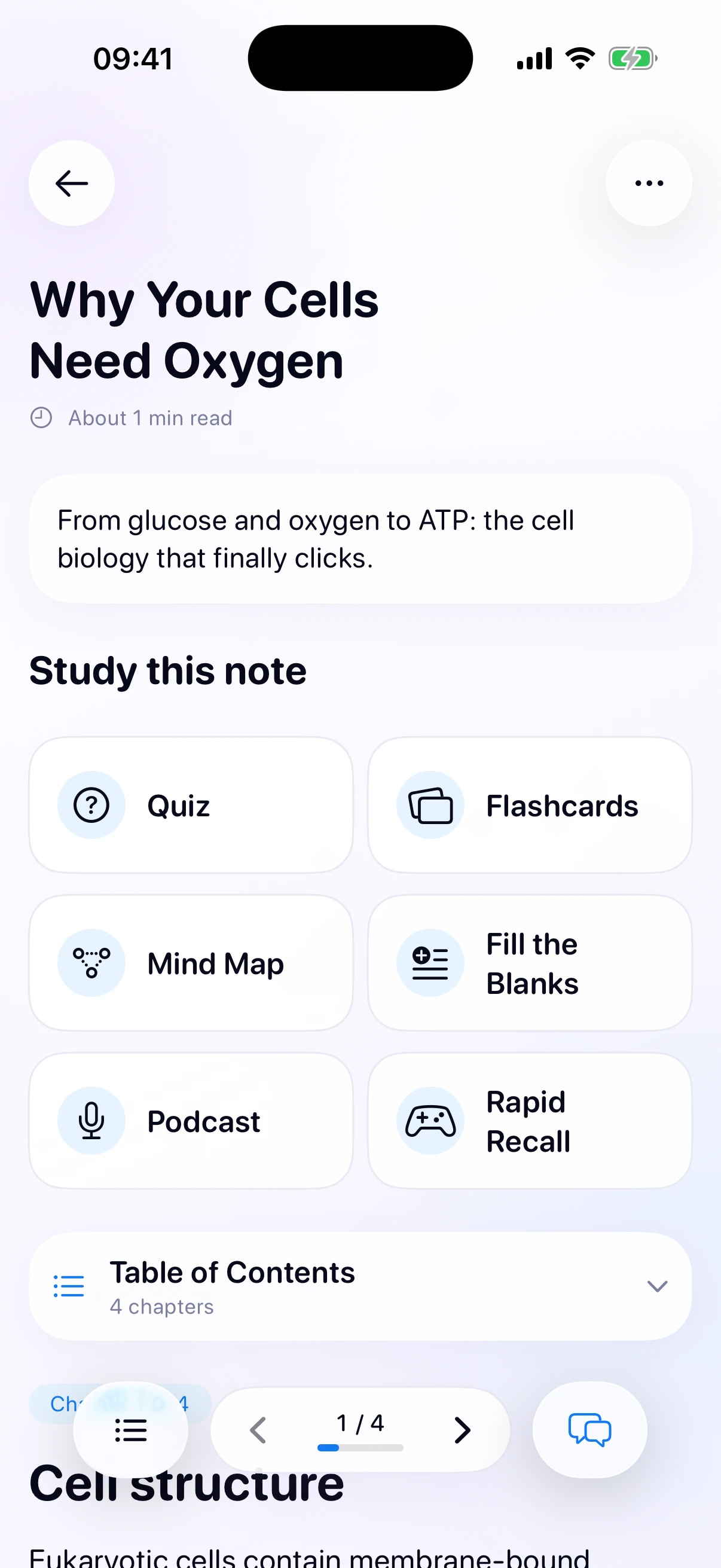
Turn your materials into study notes.
Add a PDF, a document, a photo, a lecture recording, or a few lines of text.
Noteo creates a structured AI study note grounded in your source, with chapters and focused summaries.
- PDFs & documents
- Photos
- Lecture recordings
- Text
AI note creation and study tools require Premium.
For the way you think.
Some ideas just
need your handwriting.
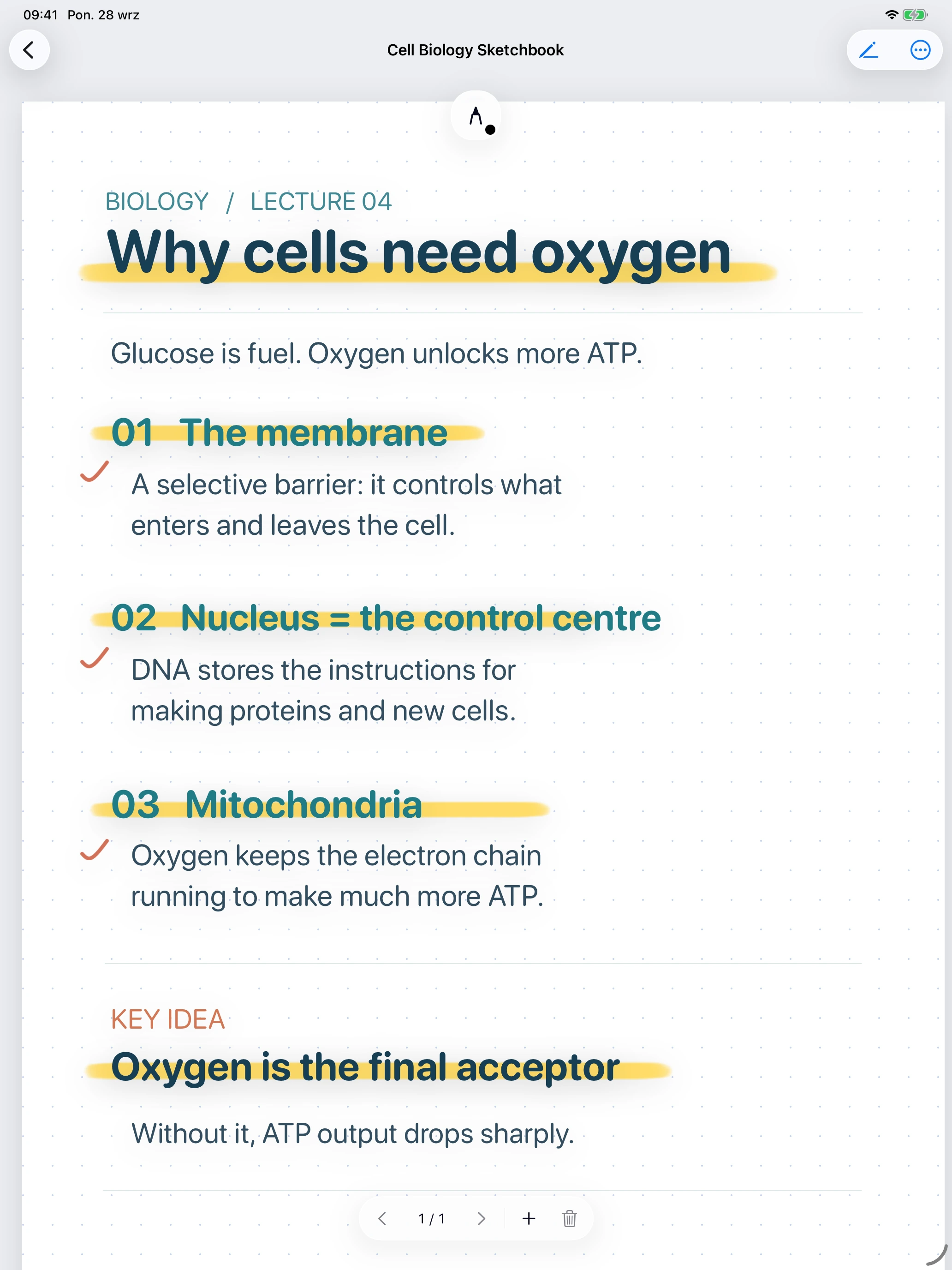
Write it out. Highlight what matters. Give your ideas a page of their own with Noteo’s handwriting editor.
From lecture notes to your next “oh, I get it” moment.
Make it click.
Then make it stick.
Study with flashcards, quizzes, mind maps and podcasts,
all based on your notes. Find the study rhythm that works for you.
Your subjects.
Your space.
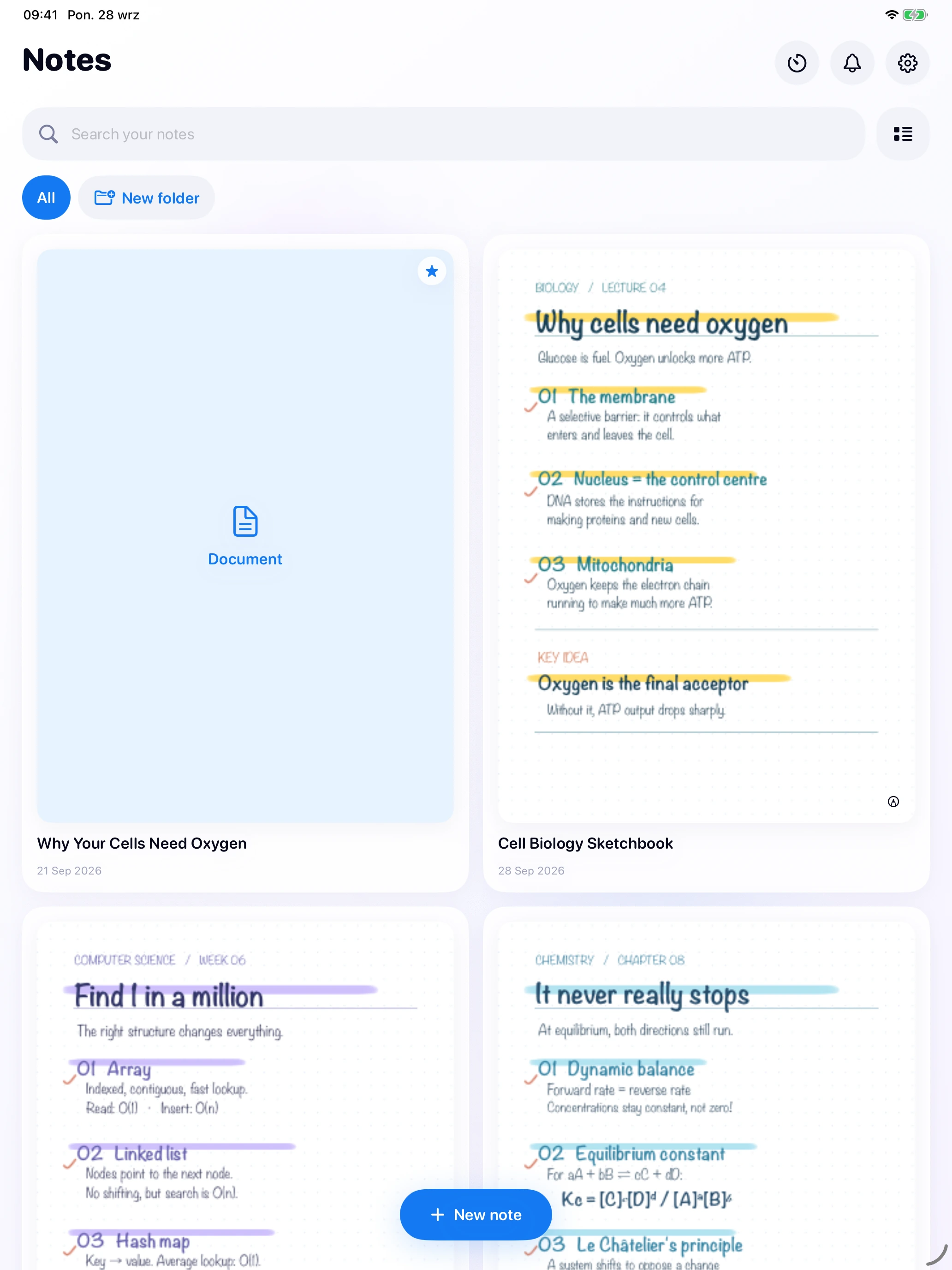
Your AI notes and handwritten pages, together. Keep subjects in folders and find the note you need with search.
One thing at a time.
Set aside the distractions and make time for studying with Focus Mode.
A few things to know.
What can I turn into AI study notes?
Add a PDF or document, a photo, a lecture recording, or text. Noteo creates a structured note grounded in that source, with chapters and focused summaries. You can then practise with flashcards, quizzes, fill in the blanks and rapid recall, or explore mind maps and study podcasts.
Can I write notes by hand?
Yes. Noteo includes a handwriting notes editor, so you can write out ideas and highlight important details. Your handwritten pages and AI study notes live in the same library. Organize subjects with folders and find your notes with search.
Do AI notes and study tools require Premium?
Yes. AI note creation and study tools require a Premium subscription. AI-generated material can contain mistakes, so check important facts against your original source.
When can I download Noteo?
Noteo is coming soon to the App Store for iPhone and iPad. A release date has not been announced here. The download link will be added to this page when the app is available. The app interface is currently in English.
A fresh page for
your next chapter.
Your study space, wherever you are.
Coming soon for iPhone and iPad.
AI note creation and study tools require a Premium subscription.
The app interface is currently in English.